Marketing Engineering: How to Build AI Tools to Automate Manual Tasks for Meta Ads
The written version of our ADworld Experience talk on marketing engineering: the folder structure, the Meta Ad Library pulls, and the MCP alerts we built to…
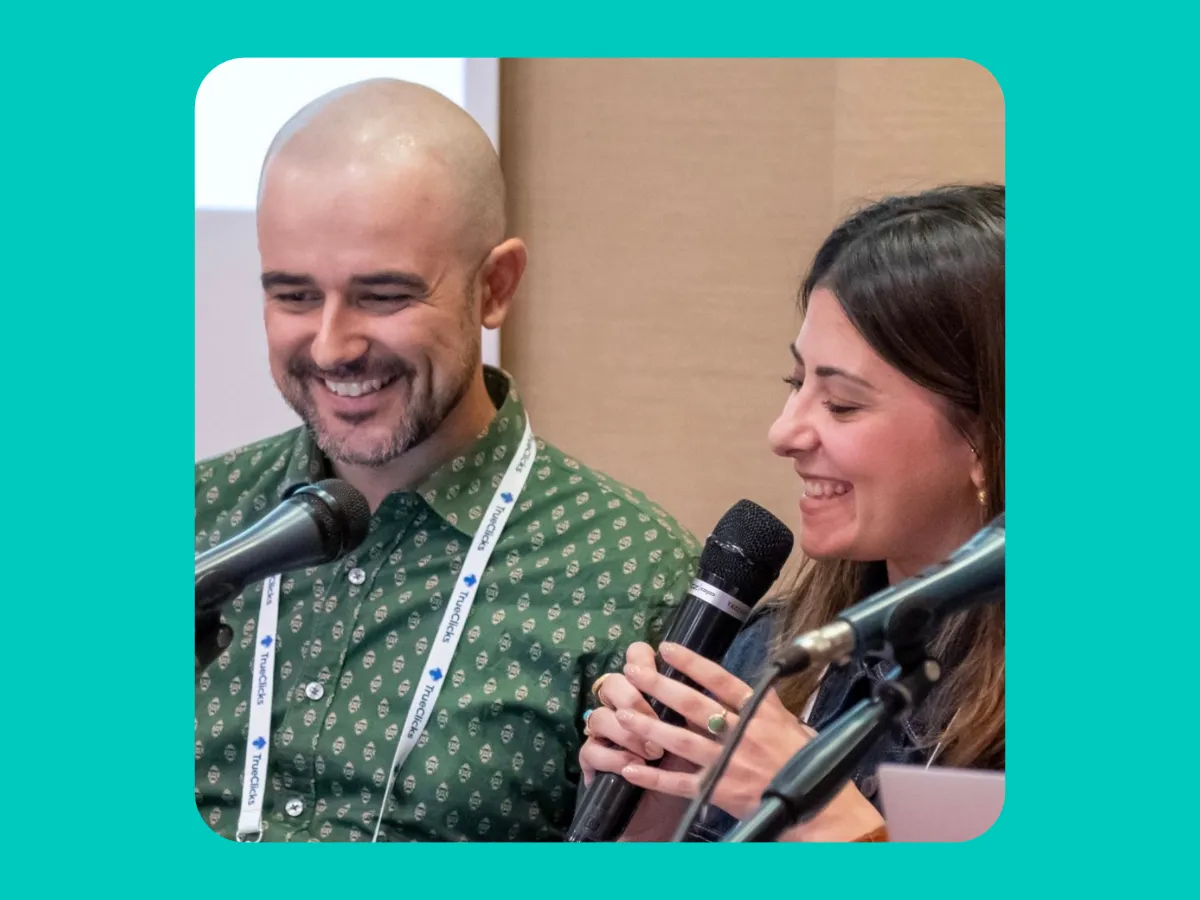
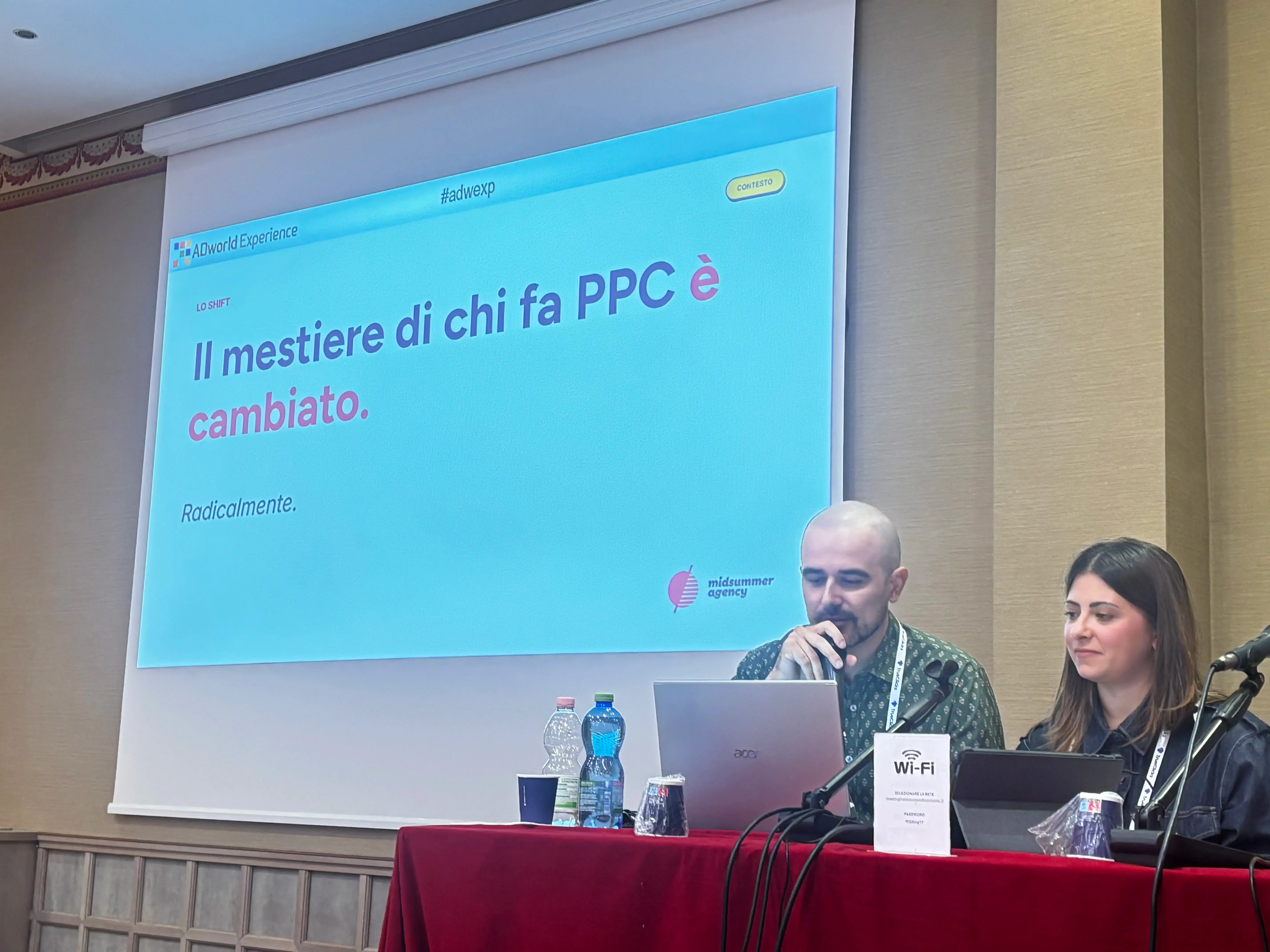
On October 15, we were on stage at ADworld Experience in Bologna with a talk called “Marketing Engineering: How to Build AI Tools That Automate Manual Meta Ads Work.” Before showing anything, we asked the room two questions. Who uses AI for more than 30 minutes a day at work? And who would be tearing their hair out (assuming they still have some) if access to every AI model were cut off tomorrow? Judging by the hands that went up, nobody in that room needed convincing that the job has changed.
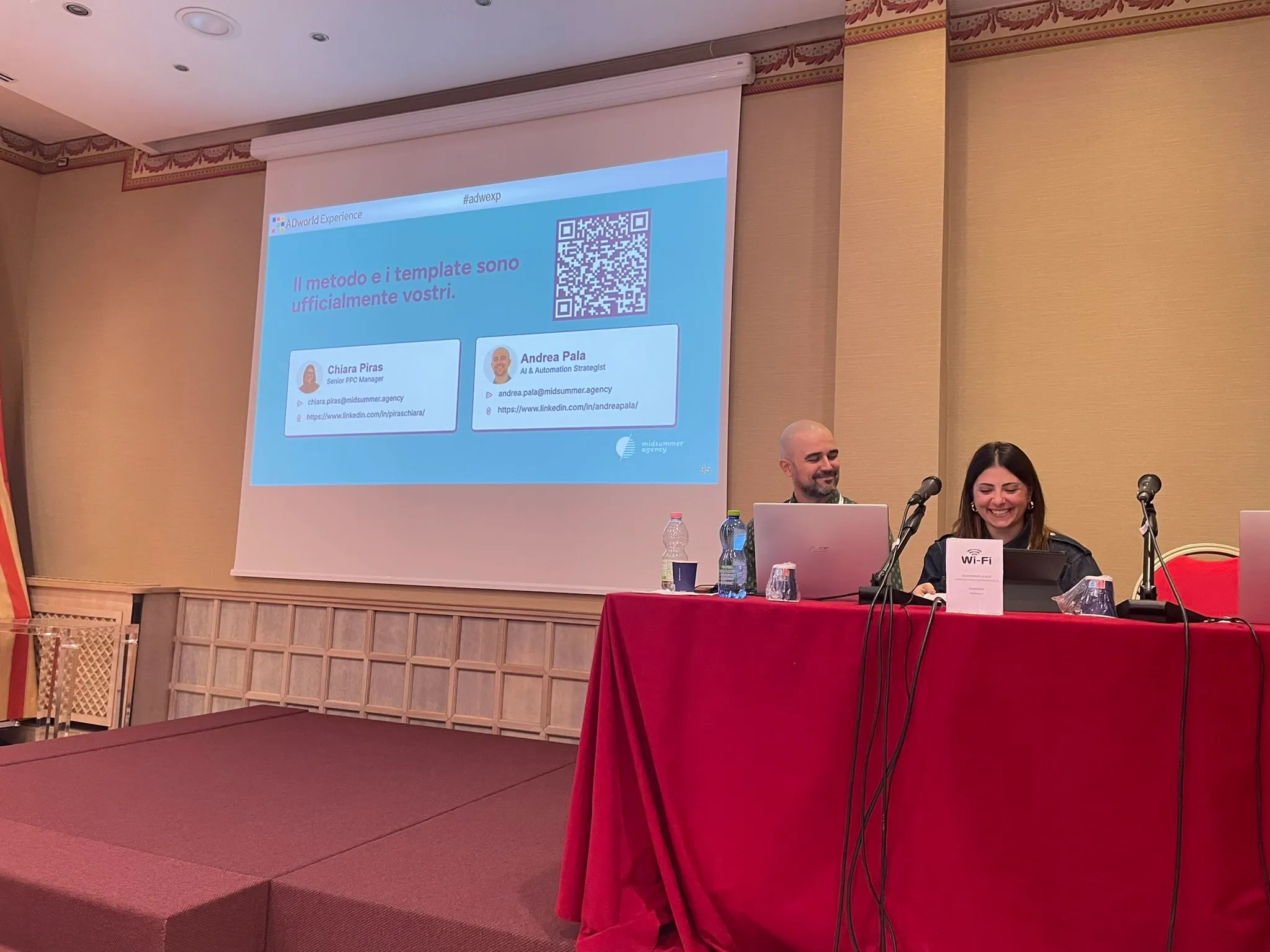
This article is the written version of that talk, by the two of us who gave it: Chiara Piras, Senior PPC Manager, and Andrea Pala, AI & Automation Strategist. It covers the folder we set up for every client, two real client cases, what the Meta Ad Library API told us about four competitors, and the monitoring tools that run on our accounts every day. You won’t need to become a developer for any of it.
Why PPC changed
Until a few years ago, the advertisers who won were the ones who knew which levers to pull. They ran small tests (does the ad with the red button convert better?), hunted for niche interests that surfaced audiences nobody else had found, and built account structures only they could read. Everyone had a secret recipe.
Today most of those decisions belong to Meta. Bidding, placements, targeting, which creative gets served to whom: the algorithm makes those calls, and in most accounts it makes them better than a person clicking around at 9 a.m.
“Today we work inside a black box. Auction, formats, targeting: the algorithm makes more and more of the decisions. We still have a few levers, but fewer and fewer. And if we have fewer levers to pull, where does our value lie?”
— Andrea Pala, AI & Automation Strategist
Our answer is that the value moved outside the platform, to either side of Ads Manager. Upstream is everything that feeds the algorithm: what you know about the client, the brand, its customers and competitors, and the message. Downstream is what comes back: the data, the analysis, and the decisions you make with them. Competitor PPC analysis is a good example of upstream work that never lived inside Ads Manager in the first place.
That’s why managing Meta Ads by hand isn’t enough anymore. The platform automated the middle of the job, and the leverage you have left is in what you feed it and what you do with what it returns.
What is a marketing engineer
A marketing engineer is a PPC specialist who builds the systems around the algorithm: what goes into it, how it’s steered, and how the results get measured. The role sits where four skill sets meet: strategic media buying, some software engineering, some data science, and automation.
The word “engineer” tends to scare off the people who would get the most out of the idea, so Andrea made a point of it on stage:
“Careful: this doesn’t mean becoming developers. It means designing what sits around the algorithm: what we feed it and how we steer it.”
— Andrea Pala
In practice, you describe a process clearly enough for an AI model to write the script, and you know the account well enough to tell whether the result makes sense. The model works like a very fast junior who has never met your client. It gets a lot done quickly, but it doesn’t know what the client tried last year or why it didn’t work. That knowledge has to come from you.
Almost everything in this article was built with Claude, Anthropic’s AI model, which is what we use every day. ChatGPT and Gemini can do similar work. If you’re still deciding which AI model to use as a marketer, our advice is to pick one and learn it properly instead of switching between three. For more ideas in the same direction, see our post on marketing automation.
The client folder: a memory you write yourself
Everything we showed on stage depends on something the model doesn’t have on its own: knowledge of the client.
A regular AI chat does remember some things, but its memory is limited and unstructured, and you can’t really tell what it remembers. So you end up repeating the tone of voice, the constraints and the product details in every prompt, and things still get lost. Our fix is to write that knowledge down once, in a place we control, and make it the source of truth the model works from.
What the folder is
It’s an ordinary folder, one per client, with one text file per topic. No database and no extra software. The files are written in Markdown (.md): plain text with very light formatting, where a # at the start of a line makes it a heading and a dash makes it a bullet point. People can read it without any special tool, and AI models read it particularly well. Think of each file as a briefing document the AI reads before it answers.
Who the client is: brand identity, business goals per channel and their constraints, competitors, key past decisions (including the ones that didn’t work), and the target audience
02_advertising_accounts.md
How the ad accounts are set up: structure, active campaigns, tracking and attribution
03_creative_copy.md
Tone of voice, approved copy, and the things the brand never says
04_reporting_history.md
KPI targets, historical benchmarks and seasonality
05_workflow_sop.md
How the account is run day to day: approvals, who signs off, and the working rhythm
research/
Buyer personas and a product sales export
The numbers set the reading order, starting from who the client is. Research has its own subfolder on purpose: the account files change every week, research changes a few times a year, and keeping them apart makes it easy to tell what’s current.
Where it lives and how the model reads it
The folder sits wherever you already keep client files. What changes from task to task is how you give it to the model, and we use Claude in three ways.
In a regular chat, for quick one-off questions, the folder doesn’t come into it. In a Claude Project, a dedicated workspace we create for each client, we upload the files once and every conversation in that Project starts with them already loaded. That’s where we write copy and run recurring analysis. In an agentic environment, such as Claude Code running inside Google Antigravity, we open the folder itself and the AI agent reads and writes the files directly. That’s where we build and run tools, like the market research and competitor analysis below.
The files are the same either way. Only the tool reading them changes.
Put together, the whole setup rests on four pieces:
Piece
What it does
Projects
A dedicated workspace per client, with its own instructions, files and memory
Markdown files
The context: who the client is, what runs in the accounts, what has already been tried
Skills
Instructions for recurring tasks, written once, which Claude applies whenever the task comes up
Connectors
Live links between Claude and the tools and data we work with: ad platforms, analytics, spreadsheets, Slack
Market research with Claude Code
Our first case is Visure Italia, an e-commerce business that sells Italian public administration documents: land registry records, company filings, certificates. It’s a demanding test for AI. The products are technical, and a wrong claim in an ad doesn’t just sound off; it can become a legal problem.
Step 1: the client master
The client master is the first file we write, together with the client, and we update it whenever something real changes. It covers five areas at minimum: brand identity, business goals per channel (with their constraints), the competitive landscape, the most important past decisions, and the target audience. It’s the first thing that separates useful market research from generic market research.
The audience section is where the client’s input matters most:
“Start by picturing your target audience, then share it with the client and talk it through together, to understand who’s actually buying and what they’re like.”
— Chiara Piras, Senior PPC Manager
Step 2: buyer personas
Buyer personas get their own file. Here the goal is to have the AI work as a consumer insights expert. We give it the client master, the target’s primary need and the main benefit they’re looking for. For each persona, it returns their functional and emotional expectations, their pain points (frustrations, fears, past disappointments), and the outcomes they want, both tangible ones like growth or efficiency and intangible ones like status, trust or peace of mind.
These personas never go straight into a campaign. We always review them, and we review them with the client: the model is working from documents, while the client has been talking to these customers for years.
Step 3: the products that matter
Then the products. We take the last 12 months of sales and narrow the list to the items that drove about 80% of revenue, or to the top 5 products per persona. Those are the strongest candidates to build the advertising around, because they’ve already proven they sell. The data comes from GA4 or the client’s CRM, exported as a CSV file. It’s the least exciting step, and it’s the one that changes the output most.
Running the analysis in Antigravity
With the three files ready, we open Google Antigravity. When we asked the room who had heard of it, very few hands went up, so here’s the short version. Antigravity is Google’s code editor designed for working with AI agents: instead of writing code line by line, you describe the task and the agent carries it out. We put the three files in a folder, open Claude Code inside Antigravity, and run the prompt. The agent reads the files, makes a plan, searches online for what it’s missing (competitor reviews, for example), and writes the output.
The prompt casts the model as a senior market research analyst. For every combination of persona and product, it works out what the person needs before buying, how that product meets the need, and which Google “People Also Ask” questions come up around it. It also reads competitor reviews at three levels, 5 stars, 3 stars and 1 star, to see what works, what disappoints, and where the client has room to position itself.
The output is a multi-sheet Excel file: personas, products and target, competitors and gaps, desired outcomes, fears and objections, and expectations. What we’re after is a reference document written in the customers’ own words and shaped to the brand’s tone of voice. With that in hand, writing ad angles goes much faster.
Competitor ad analysis with the Meta Ad Library API
Our second case is an e-commerce brand selling smartphone accessories, which we’re not naming. We wanted to understand how its competitors use creative on Meta.
Done by hand, this is a familiar routine: open the Ad Library, scroll, save some screenshots, and end up with a folder full of images and a vague sense of chaos. We wanted every ad downloaded, classified and filterable in one dashboard instead.
Getting access to the Meta Ad Library API
The Meta Ad Library is also available as an API: the same library you browse in a web browser, but one you can query with code, which means an AI model can work with it too. Getting access takes four steps:
Verify your identity with Meta by uploading an ID document
Create a developer account and an app of the Business type on developers.facebook.com
Generate a long-lived user token, the access key, which lasts about 60 days
Make your first API call
On stage, Andrea compared it to Italian government paperwork: clunky and bureaucratic, but you only do it once. One warning: treat the token like a password. Everything you can pull is public, and every ad in the library has passed Meta’s ad policy review in order to run.
Deciding the questions before building
Before building anything, we decided what we wanted to learn about the competitors: how they talk to the target audience, which angles they use, which of those angles seem to work, and which awareness level they address. Only then did we decide what the output should look like.
“First we decided what we wanted to know, then we built the tool. Do it the other way around and you end up with a beautiful dashboard that answers useless questions, and you risk a data puke.”
— Andrea Pala
Setting up the analysis
We gave Claude Code four parameters. The competitors were BURGA, PopSockets, Casetify and Saltoinc, taken from the market research. The markets were the EU and the UK. For status, we looked at active ads, which show what competitors are doing today; inactive ads are useful too, for example to dig up past Black Friday or Christmas campaigns. And to rank the ads, we used longevity: how many days each one has been running.
Longevity is our performance proxy, on the assumption that nobody keeps an ad running for months if it’s burning budget. It’s an imperfect indicator, so we only read it in aggregate, as patterns across many ads, and never as a verdict on a single one.
What the ad volume and angles revealed
Volume first. BURGA has close to 3,000 active ads, more than the other three brands combined. Casetify and Saltoinc have fewer than 300 each. That’s a count of ads, not a budget: it tells you how much creative a brand produces, not how much it spends.
Then we took the 40 longest-running ads from each brand, 160 in total, and had the model read them one by one. Saltoinc was the most consistent, with 34 of its 40 ads built on status and aspiration. PopSockets leaned on identification, the “this is you” kind of ad, and Casetify on personalization. BURGA, with its volume, spread its longest-running ads across ten different angles. Across the four brands, status and identification account for 86 of the 160 ads, so more than half the sample relies on the same two levers.
On awareness, using Schwartz’s levels, almost two in three ads speak to solution-aware users: people who already know they want a phone case and are deciding which one. Only 5 ads speak to problem-aware users, the people whose phone keeps falling but who aren’t looking for a fix yet.
If everyone is targeting the same level, the opportunity may be somewhere else, possibly at the top of the funnel. We said it on stage with the caveat it deserves: it’s a hypothesis to test with budget, not a certainty. But with a manual analysis, we’d never have had the time to spot it.
Building the dashboard
All of this ends up in a dashboard the client can filter: free-text search across ad copy and creative, plus filters by competitor, country, angle and awareness level. Each ad gets its own card showing how many days it has been running, its angle and its format, along with the model’s reading of the ad.
One PopSockets card, for example, describes the likely persona as a woman aged 25 to 44 in the UK or Northern Europe who watches videos and makes video calls with her phone propped up. The job to be done is propping the phone at any angle without carrying a stand. The pain points: a grip that only holds the phone horizontally, and a phone that tips forward during video calls. The visual hook: six phones suspended in mid-air, each with its grip open at a different angle. The persona is the model’s interpretation of the ad, not the competitor’s actual targeting, and the dashboard says so.
The pipeline behind it
The dashboard is built through a seven-step pipeline:
Check the token and API access
Download the ads from the Ad Library
Extract images and videos from the previews
Prepare opening frames and contact sheets for the videos
Split the ads into batches
Run the visual analysis, with one AI agent per batch
Produce the dashboard and a report for the client
Only step 6 uses an AI agent. Everything else is a plain script, so it doesn’t use any AI tokens. Claude Code wrote those scripts from our instructions, and our job was checking that they worked.
The findings were useful, but the bigger result was the hours of manual work saved. You can do this too. What it takes is knowing what to ask the model and checking what it gives back, because the AI is there to assist the person running the account, not to replace them.
Writing ad copy: same prompt, with and without context
Back to Visure Italia for the third part of the talk: writing the ad copy, built on the research from the previous steps. It also turned out to be the clearest demo of the day.
For copywriting, we work inside Claude Projects. Each client has its own Claude Project, set up with three things: instructions that define Claude’s role, memory of who works on the account, and the client master as context. We gave the same short prompt twice, once in a chat with no context and once inside the Project: “Write ad copy for the APE product.” The APE is Italy’s energy performance certificate, a document you legally need to sell or rent a property.
Without context, the copy read smoothly and sounded confident, but it was wrong. It promised a qualified technician visiting your home and a free quote in two minutes. Visure Italia offers neither, and copy like that would have generated complaints.
“The answer is as generic as your prompt.”
— Chiara Piras
With the client master loaded, the same prompt produced copy built on what Visure Italia actually offers: energy certifiers accredited by the regions, a digitally signed document ready for the deed of sale or the lease, and delivery in five business days. It also came back with variants per buyer persona, including one for real estate agents, who order these certificates for their listings and can’t afford to slow a deal down.
“Always review it. Even with context files, inaccuracies can slip through. The goal is to keep them to a minimum.”
— Chiara Piras
This matters beyond one client. When everyone uses the same prompts on the same models, feeds start to look alike: similar hooks, similar structures, similar openings. Audiences get used to it and stop paying attention, auction costs rise, and sooner or later it turns into a CAC problem, even though it started as a creative one. That’s why we think the competitive advantage has moved back upstream, into the context you give the model. Competitors can copy what they see in your ads. They can’t copy the folder behind them.
Monitoring Meta Ads with MCP
The last part of the talk went back to the black box, from the other side: downstream, where the data comes in and where you need tools to read it faster.
MCP stands for Model Context Protocol, an open standard released by Anthropic in November 2024 to connect AI models to tools and data sources. Put simply, the ad platform is on one side, the AI model is on the other, and the MCP is the bridge between them. You stand on that bridge and ask, in plain language: “How did the September campaign do?”
So a Meta Ads MCP lets you query the account without writing code and without opening Ads Manager. The questions are the ones a media buyer asks every Monday morning: which ads have a below-average quality ranking, which creatives had the highest CPA in the last seven days, which ad sets are beating the client’s CPA and ROAS benchmarks.
“‘Compared to the client’s benchmarks’: the MCP doesn’t know that on its own. But the model does, because the benchmarks are written in a context file.”
— Andrea Pala
On top of the MCP, we built tools that run on their own at set times. They take a bit of code, but the agent writes it; we decide what to check and when we want to be alerted. Two of them we rely on every day.
The first is a spend anomaly alert. Every three hours, it compares each campaign’s spend so far with the same time window yesterday, and sends a Slack notification if the difference goes over a threshold. The second runs every morning and checks for creative fatigue: when 7-day frequency goes above 3.5, it’s time to rotate the Meta creatives, before CTR starts to drop. Both thresholds are written in the client’s context file, so adjusting them for a client means editing one line.
We closed this part with a live artifact: an interactive page Claude builds that keeps itself updated with data from the connectors. The one we showed belongs to a lead gen client and brings Google Ads, Microsoft Ads, Local Services and organic search into a single view. It uses no Meta data, but it’s built with the same method: a Project, connectors and Claude. Since it updates itself, the time we used to spend pulling numbers together now goes into deciding what to do with them.
Three takeaways
Chiara closed the talk with three things to take home, if you want to try this tomorrow.
Start from a folder, not a prompt. The context you build is what makes the output specific to your client.
Reuse what already exists. Skills take care of the repetitive part of the job: you write the instructions once and stop explaining the same task over and over.
Ask, study, and build your context carefully, in the right order. A model reading a messy folder will produce messy work, and it will sound confident while doing it.
If you’d like a second pair of eyes on how to set this up for your own accounts, this is the kind of AI and automation work we do with clients every week, and we’re happy to walk you through what we’d build first.
FAQ
What is a marketing engineer? A marketing engineer is a PPC specialist who builds the systems around the advertising algorithm: client context files, research pipelines, competitor data pulls and automated monitoring. The role combines media buying with some software engineering, data analysis and automation, without requiring you to become a developer.
What is a client context file? A client context file is a plain text (Markdown) file containing what an AI model needs to know about a client before working on the account: brand, goals, past decisions, tone of voice, benchmarks. We keep five per client in one folder and load them into a Claude Project or an agentic tool like Claude Code, so the model starts every task from the same source of truth.
What is a Meta Ads MCP? An MCP, or Model Context Protocol server, connects an AI model to your Meta Ads data. It lets you ask questions about campaigns, creatives and benchmarks in plain language, and schedule checks such as spend anomaly alerts or creative fatigue warnings, without writing code or opening Ads Manager.
How do you get access to the Meta Ad Library API? Four steps: verify your identity with Meta, create a developer account with a Business app, generate a long-lived access token (valid for about 60 days, and to be handled like a password), then make your first API call to confirm the data comes back as expected.